
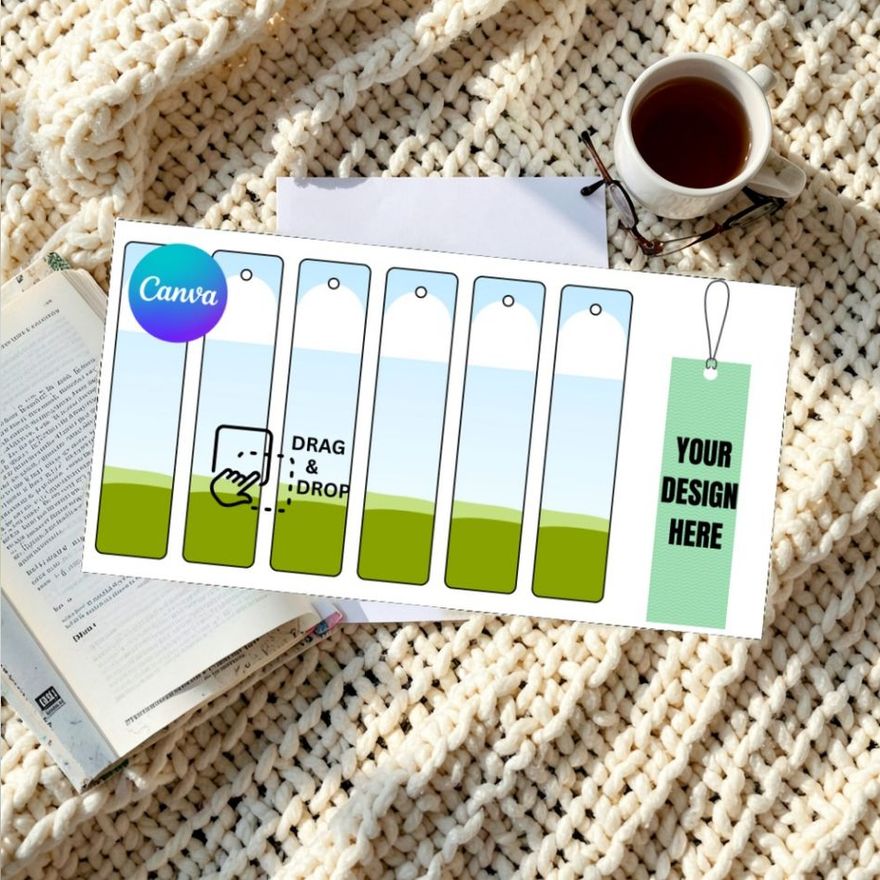
The standard bookmark is 2 x 6 inches (5.1 x 15.2 cm). The other common sizes are 2 x 7, 2 x 8 and 2.5 x 8.5 inches, plus minis from 2 x 3.5 to 1.5 x 5 inches. There is no official standard. These are the sizes print shops list and designers draw, and the right one depends on the book it will sit in and the sheet you print on. The tables below give each size in both units and the number that fits on one page.
Common Bookmark Sizes
| Type | Inches | Centimeters | Suits |
|---|---|---|---|
| Card-size mini | 2 x 3.5 | 5.1 x 8.9 | Short quotes, giveaways; the size of a business card |
| Slim mini | 1.5 x 5 | 3.8 x 12.7 | Pocket paperbacks, planners, children's chapter books |
| Standard | 2 x 6 | 5.1 x 15.2 | Most paperbacks; the usual printable size |
| Tall | 2 x 7 | 5.1 x 17.8 | Trade paperbacks and hardcovers |
| Long | 2 x 8 | 5.1 x 20.3 | Large hardcovers |
| Wide | 2.5 x 7 | 6.4 x 17.8 | Quote and photo designs that need room |
| Large | 2.5 x 8.5 | 6.4 x 21.6 | Cookbooks, textbooks, large journals |
| Magnetic, flat | about 1.25 x 5 | 3.2 x 12.7 | Folds in half to about 1.25 x 2.5 in |
| Corner | 6 x 6 square | 15.2 x 15.2 | Folds to a 3 x 3 in (7.6 cm) pocket |
Commercial printers agree on the middle of this table. Printing for Less gives 2 x 6, 2 x 7 and 2 x 8 inches as its standard bookmark dimensions, and other print shops add 2 x 3.5 at the small end and 2.5 x 8.5 at the large end, with a few going as long as 2 x 9 or 2 x 10.5. The 1.5 x 5 and 2.5 x 7 sizes turn up in printable files more than in print-shop catalogs. Magnetic and corner sizes vary most of all, because each designer draws the shape differently. Treat those rows as typical, not fixed.
Match the Bookmark to the Book
A bookmark works best when it is shorter than the page, so only the tassel shows above the book. If the card itself sticks out, the top bends the first time the book goes into a bag.
- A mass-market paperback is 4.25 x 6.87 inches (10.8 x 17.5 cm). A 2 x 6 bookmark fits inside it with room to spare.
- A trade paperback is commonly 5.5 x 8.5 or 6 x 9 inches. A 2 x 7 looks proportionate, and a 2 x 6 still works.
- Hardcover novels are mostly around 6 x 9 inches, and cookbooks, textbooks and illustrated books run larger. This is where 2 x 8 and 2.5 x 8.5 earn their place.
Width matters less than height. Two inches is wide enough to hold a design and narrow enough not to cover the text when you lay it on a page. Go to 2.5 inches when the design has a long quote or a photo.
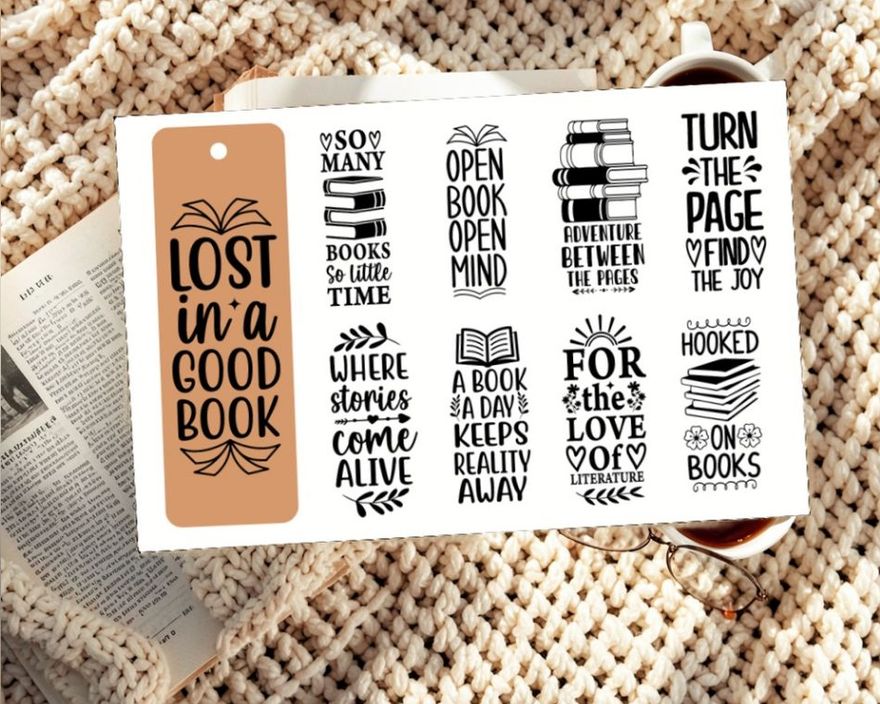
How Many Fit on Letter and A4
This table assumes the bookmarks all face the same way and sit edge to edge, sharing cut lines, with a quarter inch (6 mm) of blank margin around the sheet. That leaves a printable area of 8 x 10.5 inches on Letter and 198 x 285 mm on A4. It is a safe figure for home printers without a borderless mode: Canon's PIXMA manuals give a Letter printable area of 8.00 x 10.69 inches, and Epson's EcoTank manual gives minimum margins of 0.12 inch (3 mm).
| Size (in) | US Letter (8.5 x 11 in) | A4 (210 x 297 mm) | Layout |
|---|---|---|---|
| 2 x 3.5 | 12 | 10 | Letter upright, 4 across in 3 rows; A4 upright, bookmarks lying sideways, 2 across in 5 rows |
| 1.5 x 5 | 10 | 10 | Sheet upright, 5 across in 2 rows |
| 2 x 6 | 5 | 5 | Sheet sideways, 5 across |
| 2 x 7 | 5 | 5 | Sheet sideways, 5 across |
| 2 x 8 | 5 | 3 | Letter sideways, 5 across; A4 upright, 3 across |
| 2.5 x 7 | 4 | 4 | Sheet sideways, 4 across |
| 2.5 x 8.5 | 3 | 3 | Sheet upright, 3 across |
| 6 x 6 corner square | 1 | 1 | One square per sheet |
Some rows need a second look.
- A sixth 2 x 6 on Letter. Under the row of five there is a strip 2 inches high, and one more bookmark fits there lying sideways. The layout then uses the full 8 inches of printable width, with nothing to spare. On A4 the leftover strip is only 46 mm, too narrow for a sixth.
- Five 2 x 8 and twelve 2 x 3.5 on Letter. Both layouts also use the full 8 inches. That is exactly the printable width a Canon PIXMA gives on Letter, so center the layout carefully. If an edge clips, print three of the 2 x 8 on an upright sheet, or ten of the minis.
- 2 x 8 on A4. A sideways A4 sheet is 210 mm tall and the bookmark is 203 mm. That leaves 3.4 mm at each edge, the very limit of what home printers reach (Canon's A4 side margins are exactly 3.4 mm). Count on three per upright sheet.
A4 (8.27 x 11.69 in) is narrower and taller than Letter. A PDF laid out for one will be scaled or cropped on the other unless you print it at actual size and accept uneven margins. Before you print, look at the preview and make sure no bookmark runs off the edge.
Most printable files arrive already laid out on a sheet. If you would rather build your own layout, an editable template saves the measuring.

Editable Canva Bookmark Template
See the listing ↗
Bookmark Template, Custom Bookmark
See the listing ↗
Bookmark Bundle, Bookmark Template, Tags
See the listing ↗From the collection Bookmark Templates. New Creative Fabrica members get 10 free downloads, and any of these can be one of them.
Bleed, Safe Margin and Cut Lines
Three measurements decide whether a bookmark cuts cleanly.
Bleed is artwork that continues past the cut line, normally 1/8 inch (3 mm) on every side. It exists because no cut lands exactly on the line. With bleed, a cut that is slightly off still passes through color, not white paper. A 2 x 6 inch bookmark with bleed is a 2.25 x 6.25 inch file.
Safe margin is the opposite: a strip inside the cut line where nothing important should sit. Keep text and faces at least 1/8 inch in from the edge. A quarter inch is kinder if you cut by hand.
Cut lines or crop marks show where the blade goes. Crop marks sit outside the artwork at the corners, so they disappear with the offcuts. A printed outline around the bookmark is easier to follow, but you have to cut just inside it.
Bleed costs space. Bookmarks with full-color backgrounds cannot share a cut line, so each one takes 2.25 inches of width, and a sideways Letter or A4 sheet holds four of them, not five. Designs with a white or pale border can sit edge to edge, because a cut that drifts slightly is invisible.
Planning to laminate? Add a quarter inch to both dimensions. The 1/8 inch sealed border on each side turns a 2 x 6 bookmark into a 2.25 x 6.25 inch finished piece.
Where the Hole Goes
A standard hand punch makes a quarter-inch (6 mm) hole. Center it across the width and put its center 3/8 to 1/2 inch below the top edge. Print shops usually drill a smaller hole for tassels, 1/8 or 3/16 inch.
When you design or choose a bookmark, keep the top three quarters of an inch free of lettering. A hole through the first word of a quote is the most common layout mistake, and it only shows after the punch.
Setting Up Your Own Template
Any program that lets you set a page size and draw a rectangle will do. The steps are the same everywhere.
- Set the page to Letter or A4, sideways for most sizes.
- Draw one rectangle at the exact bookmark size, or the size plus bleed.
- Duplicate it across the page, keeping a quarter inch clear at the sheet edges.
- Place the artwork inside each rectangle and keep text within the safe margin.
- Export as a PDF, which holds the size better than an image file.
If you work in pixels, use 300 pixels per inch for print.
| Bookmark | Pixels at 300 ppi | With 1/8 in bleed |
|---|---|---|
| 1.5 x 5 in | 450 x 1500 | 525 x 1575 |
| 2 x 6 in | 600 x 1800 | 675 x 1875 |
| 2 x 7 in | 600 x 2100 | 675 x 2175 |
| 2 x 8 in | 600 x 2400 | 675 x 2475 |
| 2.5 x 8.5 in | 750 x 2550 | 825 x 2625 |
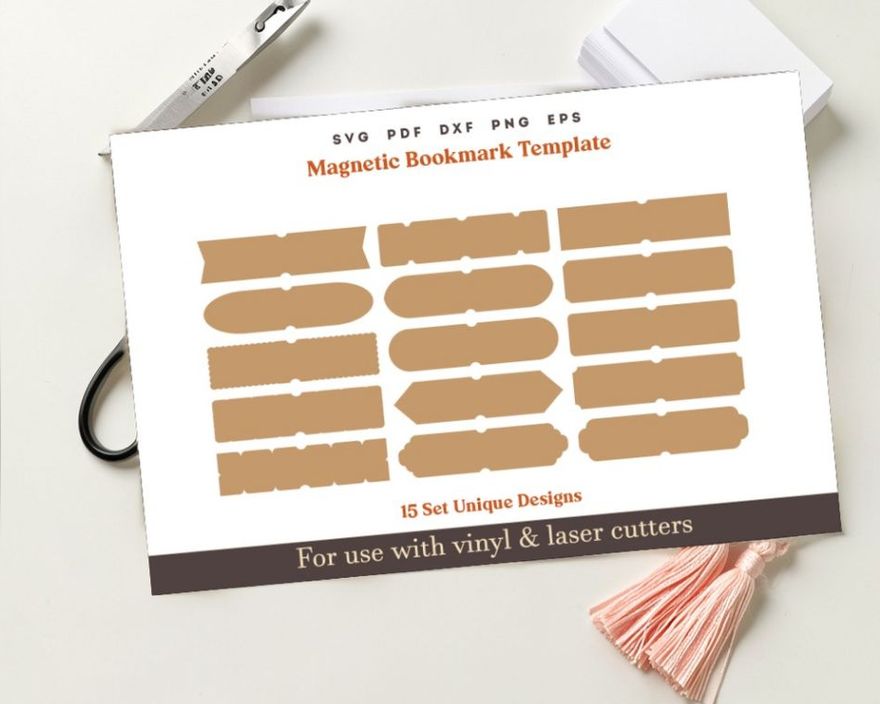
SVG templates work differently. They are vector outlines, so they scale to any size without losing sharpness, and a cutting machine can follow them. The bookmark SVG and corner bookmark files are the place to look if you cut with a machine.
Tools for Measuring and Cutting
A size only holds if the cut does. A steel ruler, a craft knife and a cutting mat handle test prints and single bookmarks, and a trimmer is quicker once you cut whole sheets.
 Cork-backed steel ruler, 12 inchVictorSee it on Amazon
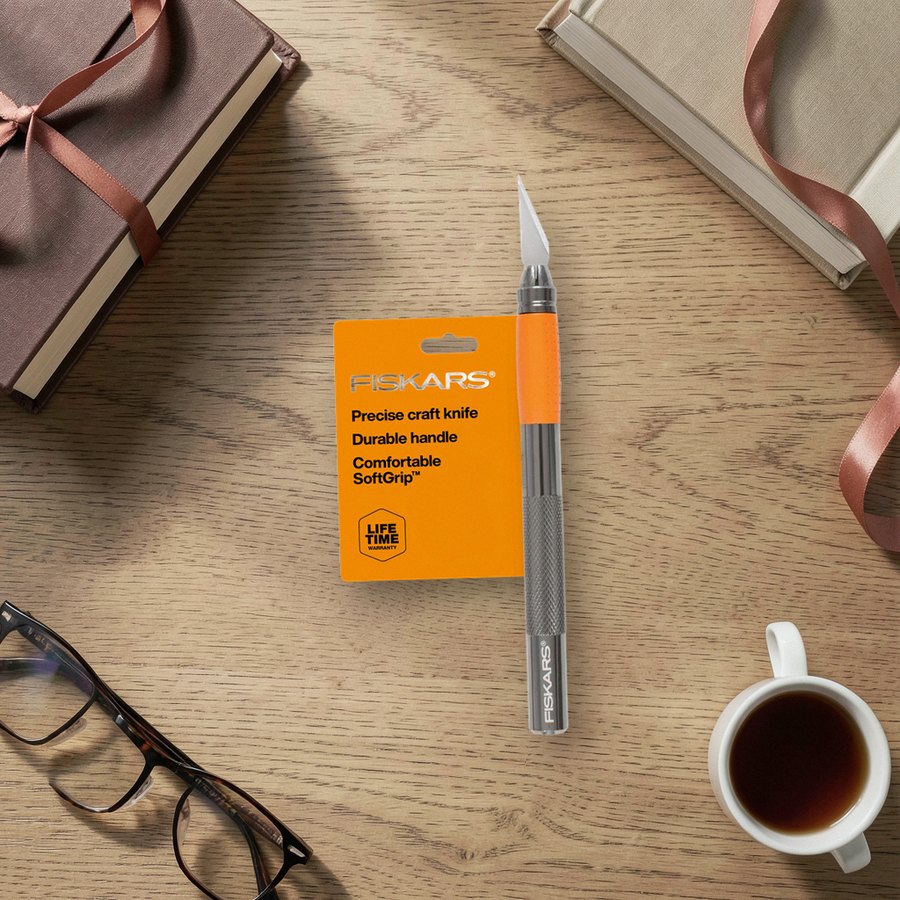 Detail craft knife, aluminum handleFiskarsSee it on Amazon
 Self-healing cutting mat, 12 x 18anezusSee it on Amazon
 Paper trimmer, 12-inch cut lengthFiskarsSee it on Amazon
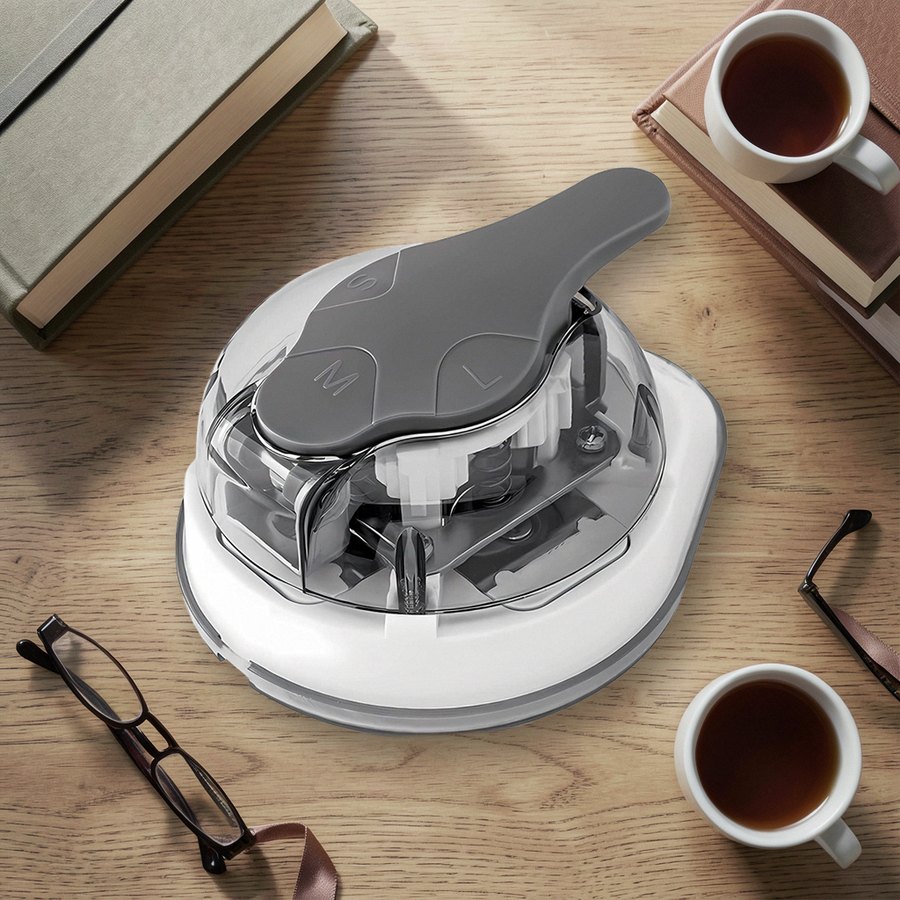 Corner rounder punch, three sizesSUN-STARSee it on Amazon
As an Amazon Associate we earn from qualifying purchases.
Check the Size Before You Cut a Batch
Print one sheet on plain paper at actual size and measure a bookmark with a ruler. If it reads somewhere between 5 5/8 and 5 7/8 inches where it should read 6, the print dialog scaled it down. The fix, along with paper and laminating advice, is in how to print bookmarks at home.
Then slide the test print into the book you had in mind. If it disappears, go up a size. If it sticks out, go down. Once the size is settled, browse the bookmark templates for a layout to fill, or see fifteen bookmark styles for what to put on it.
Bookmark Collections for This Topic
Bookmark Templates5 hand-picked · open the collection → Bookmark SVG & Corner Bookmarks6 hand-picked · open the collection →


